AI-generated
01
Virtual try-on
Flat-lays go straight onto a model with fit, fabric and buttons intact. Studio and street shots for a new style in minutes.
LINGLIU CANVAS
Copywriting, image generation, image editing, video and voiceover are all nodes on the canvas. Connect them and you have a complete production workflow. Nothing to install, and no special hardware needed.
LINGLIU CANVAS
This is how Lingliu Canvas is really used: connect the nodes and each step's result passes to the next automatically. Click “Group run” to see a new style come together. You can drag the nodes too.
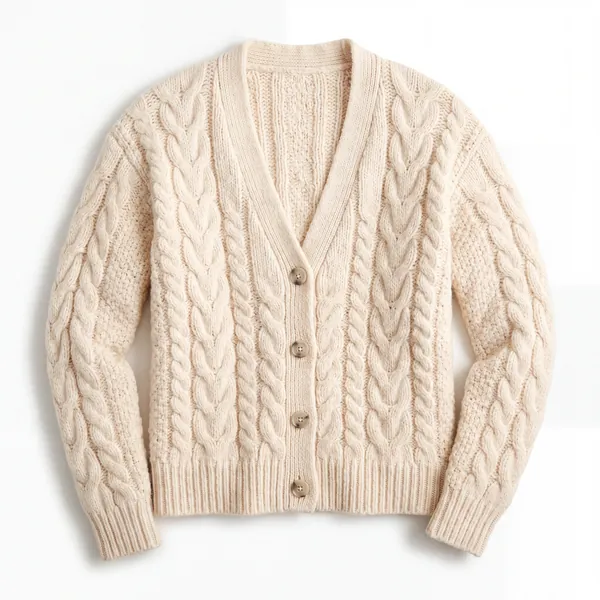
Asian female model, spring street style, natural light, full body, keep the garment's fit and fabric details
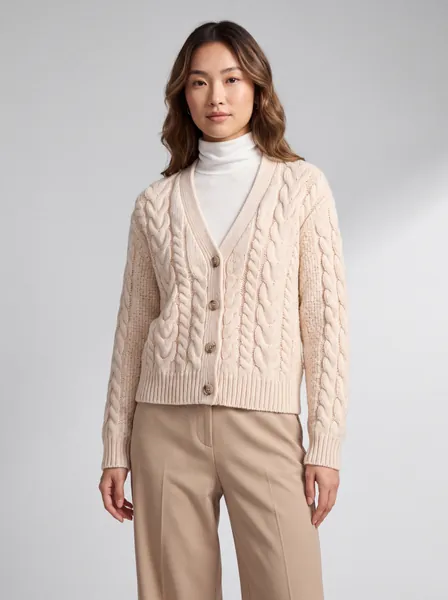
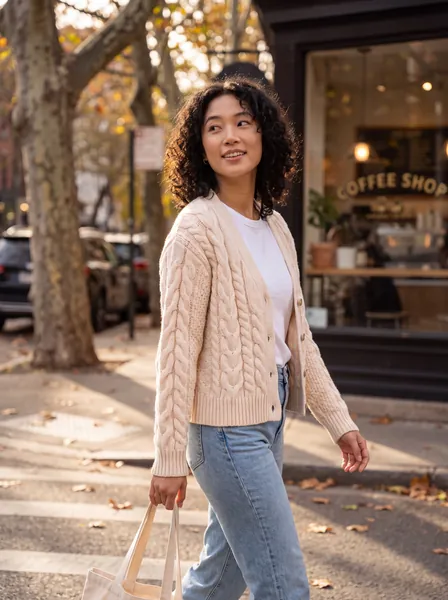
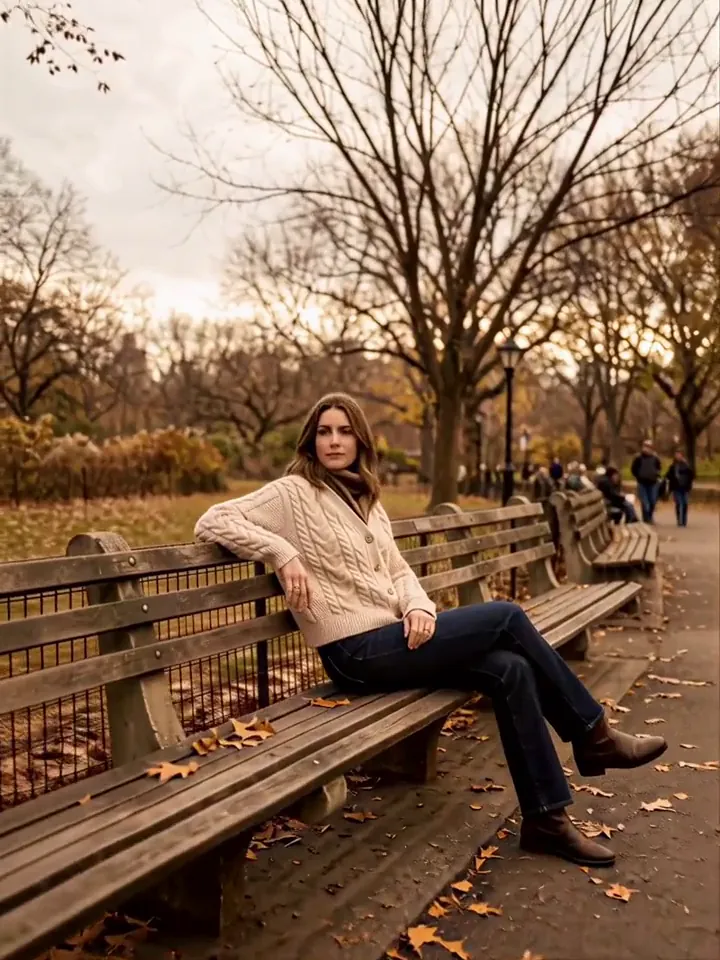
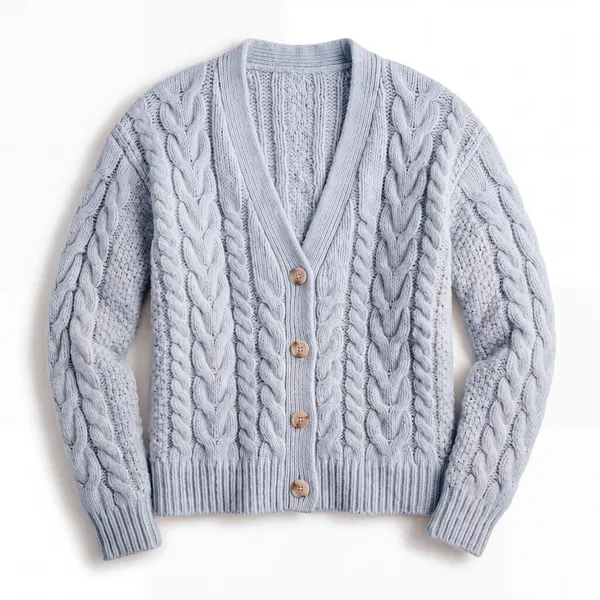
Waiting for results…
Measured: on October 12, a workflow with the same 6 nodes (a sneaker launch) took about 3.5 minutes per group run, produced 6 images and one 8-second video, and cost ✦4.74 in total (✦1 = CN¥1). The demo animation is sped up.
WHAT WE MAKE
Start from one flat-lay. Main images, model shots, detail pages and short videos are all generated on the same canvas. For the next new style, just swap the image.
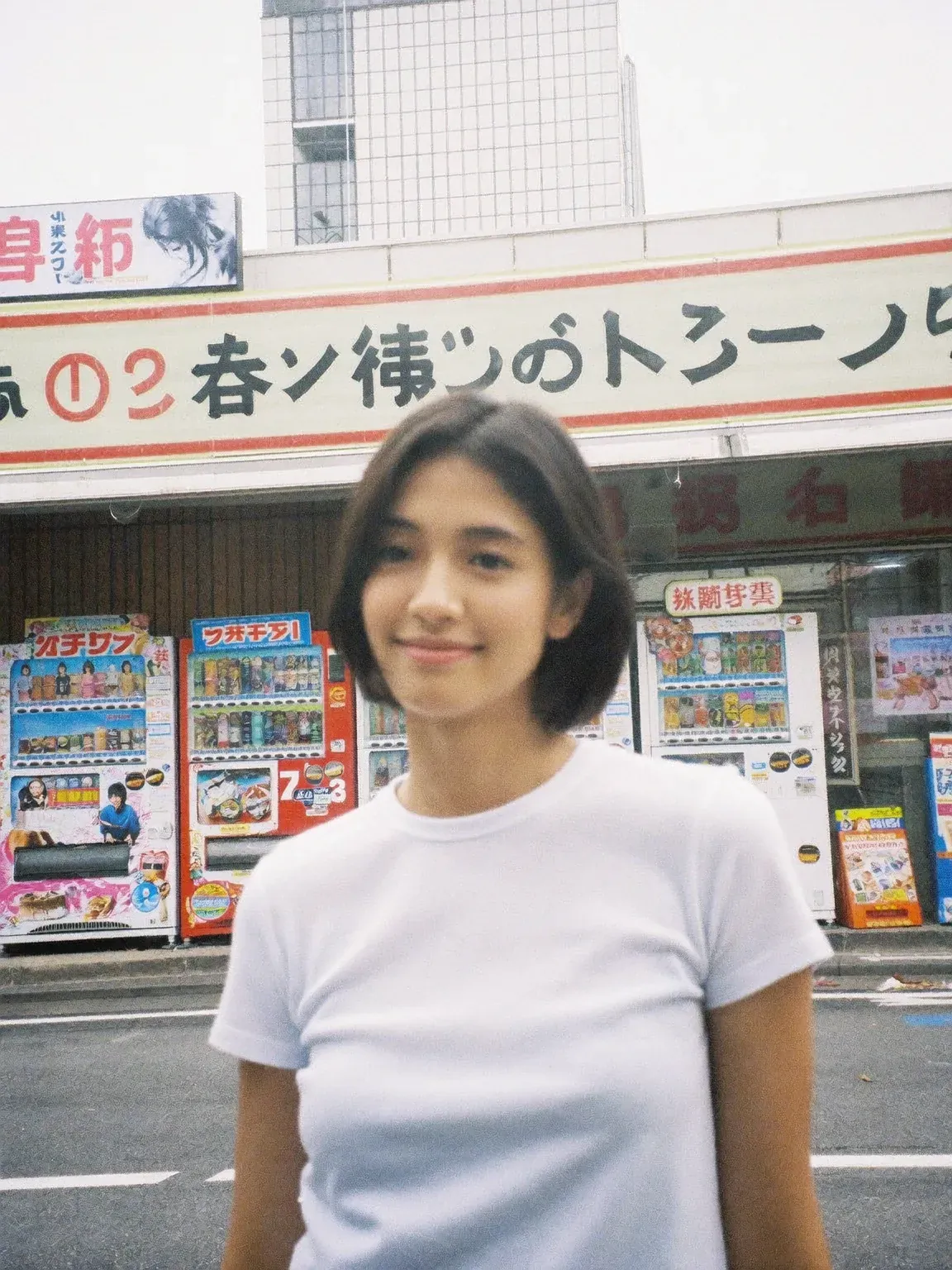
Flat-lays go straight onto a model with fit, fabric and buttons intact. Studio and street shots for a new style in minutes.
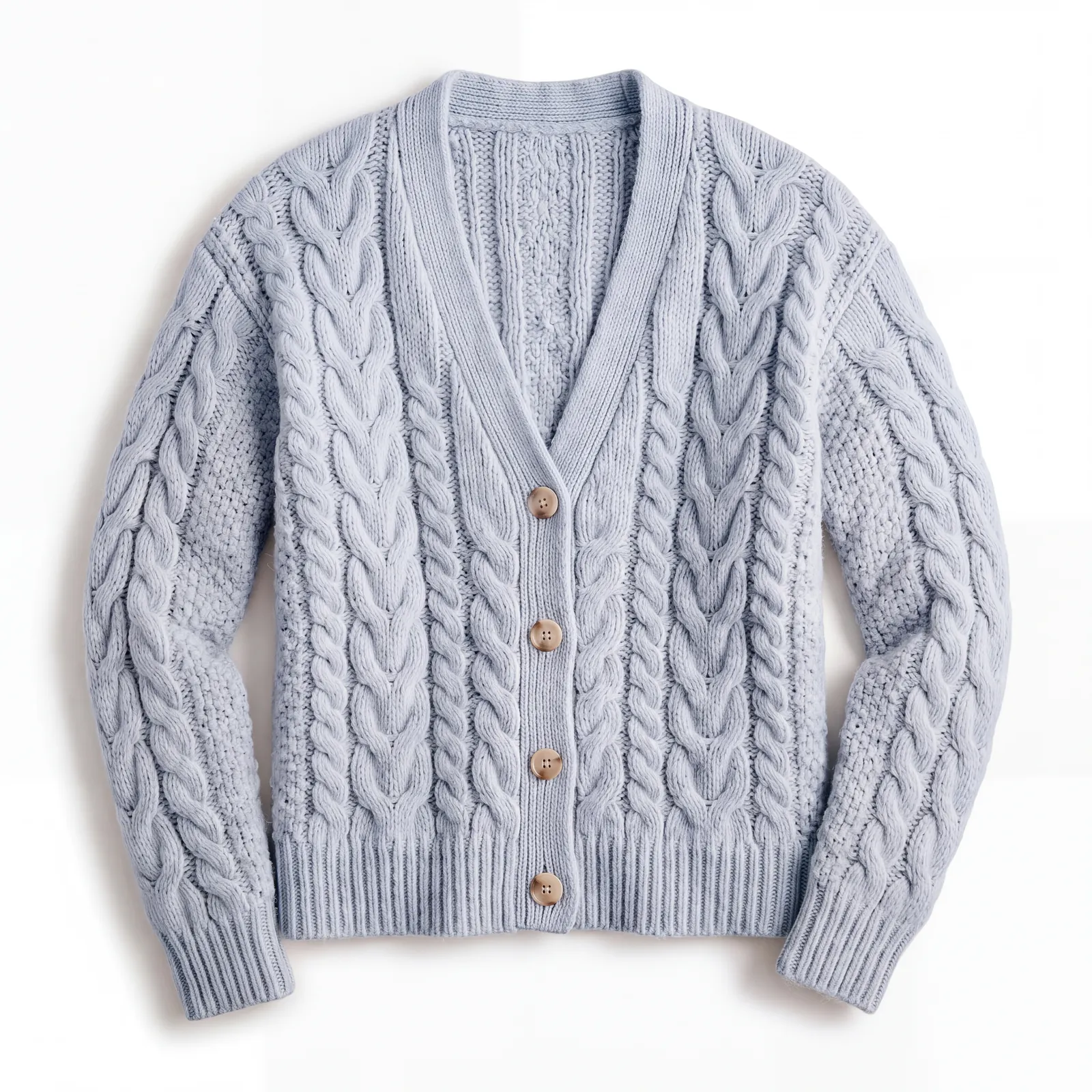 AI-generated
 Shoot one color, generate the rest.
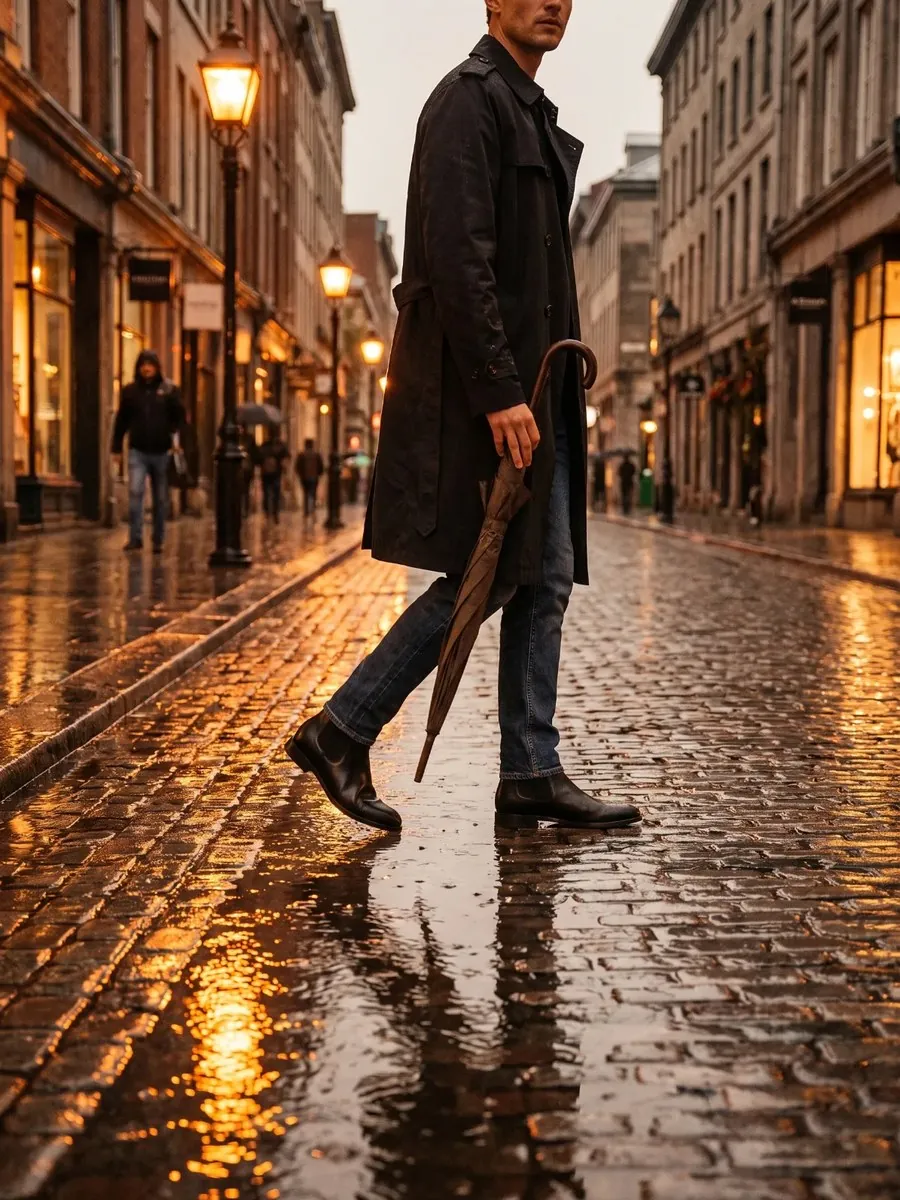 AI-generated
 One garment on a rainy street at night, a subway platform and a city rooftop. One workflow runs the whole set.
Give it a dance clip and the model performs the moves in your clothes.
 AI-generated
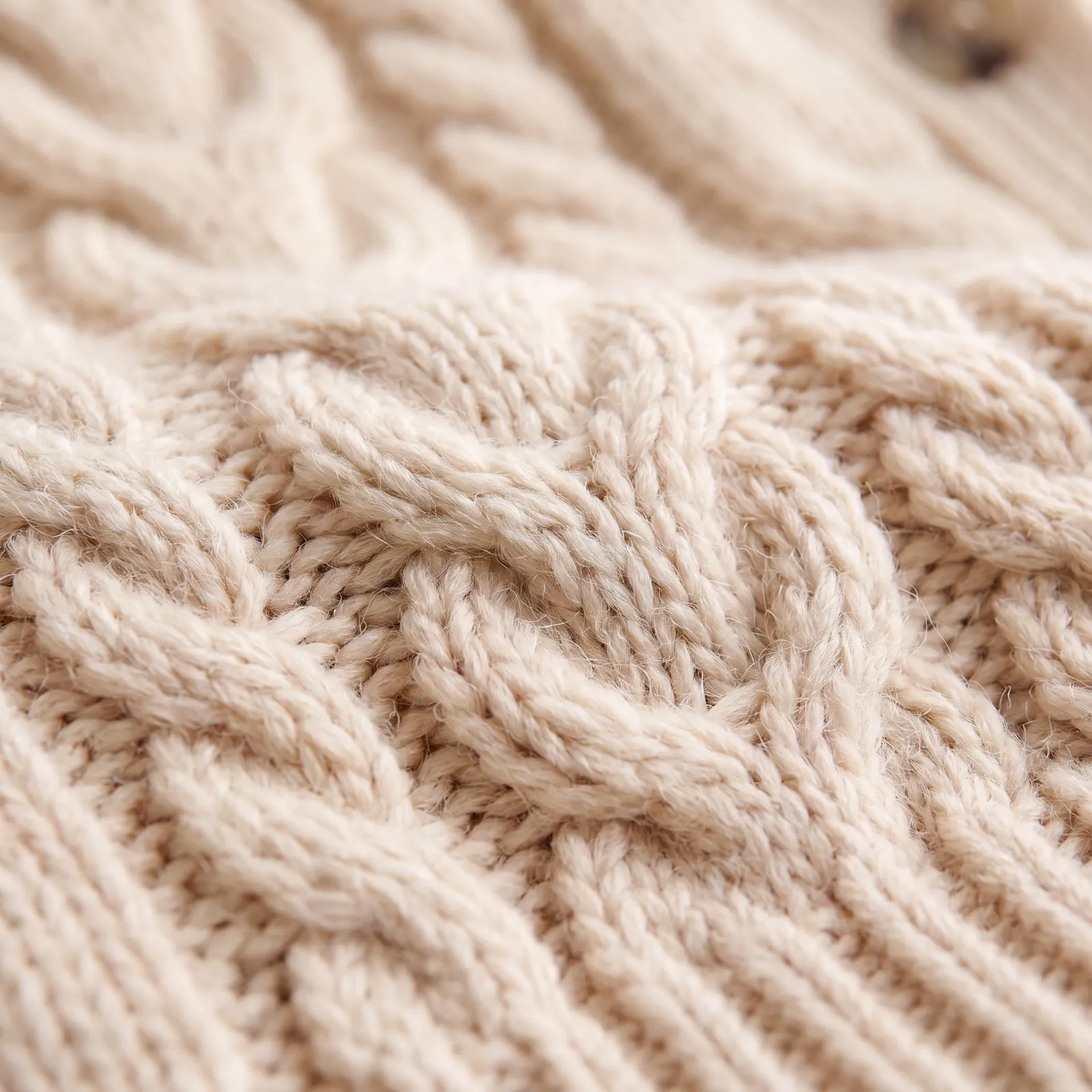
 Fabric close-ups and feature callouts, together.
 AI-generated
 Train your own model once and keep the same face every season.
FEATURES
Connect nodes and each step's result passes to the next automatically. Select a group and click “Group run” to run it from start to finish in order. Save the workflow as a template and reuse it in one click.
Put a set of product images into a batch node and each one runs through the same workflow. Results are collected for one-click batch download. The split node cuts grid images apart so they can keep moving down the workflow.
GPT-Image, Nano Banana, Seedream, Seedance, Veo, Wan, MiniMax H3 and more work in the same workflow, each doing what it does best. No switching between websites.
Main models offer both a premium and an economy channel. Choose premium for the best results, economy to save on volume. Prices and limits are shown when you pick a model.
The estimated cost is shown before every generation or group run (✦1 = CN¥1). If your balance runs low, top up in the canvas with WeChat or Alipay.
Every result is kept in your generation history. Drag it back onto the canvas, or restore an entire run as a new canvas.
Train your own model once, then use the same face for every new style to keep your store's look consistent.
Add members under one business account with a shared balance and individual limits, and see who used what at a glance.
PRICING